01
Chore planner and cleaning schedule
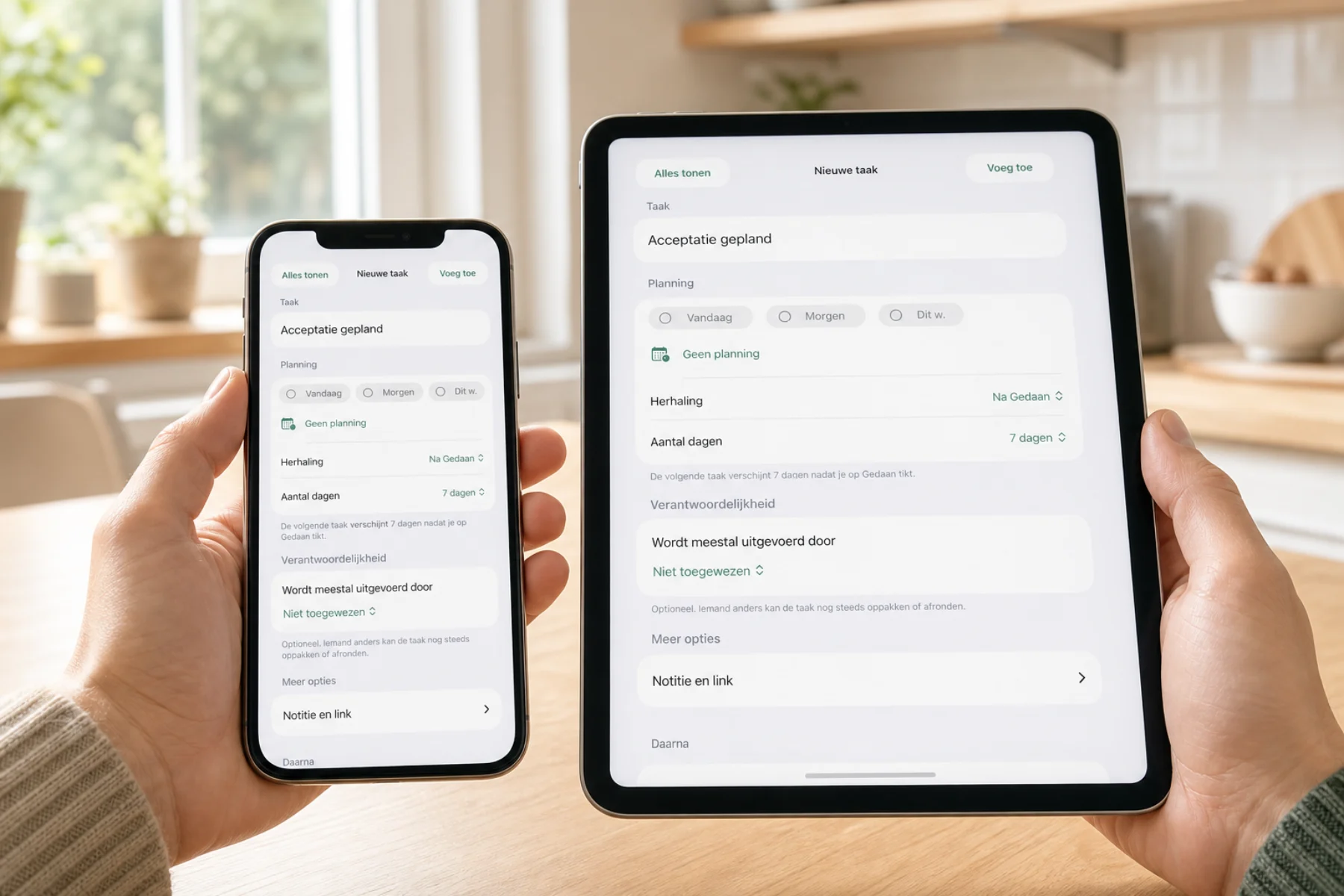
Create a cleaning schedule for vacuuming or the bathroom. Plan a task once, weekly, monthly or again after completion. Share chores with family, your partner or roommates and see who takes them on.
For everyday life
Plan household tasks and routines, share grocery lists and see who is doing what. Discover Zanuli for families, couples and roommates.
Tasks, routines and groceries for your household, with a weekly planner and calendar connections from Zanuli 1.3.6.
For iPhone with iOS 17 or later and iPad with iPadOS 17 or later.

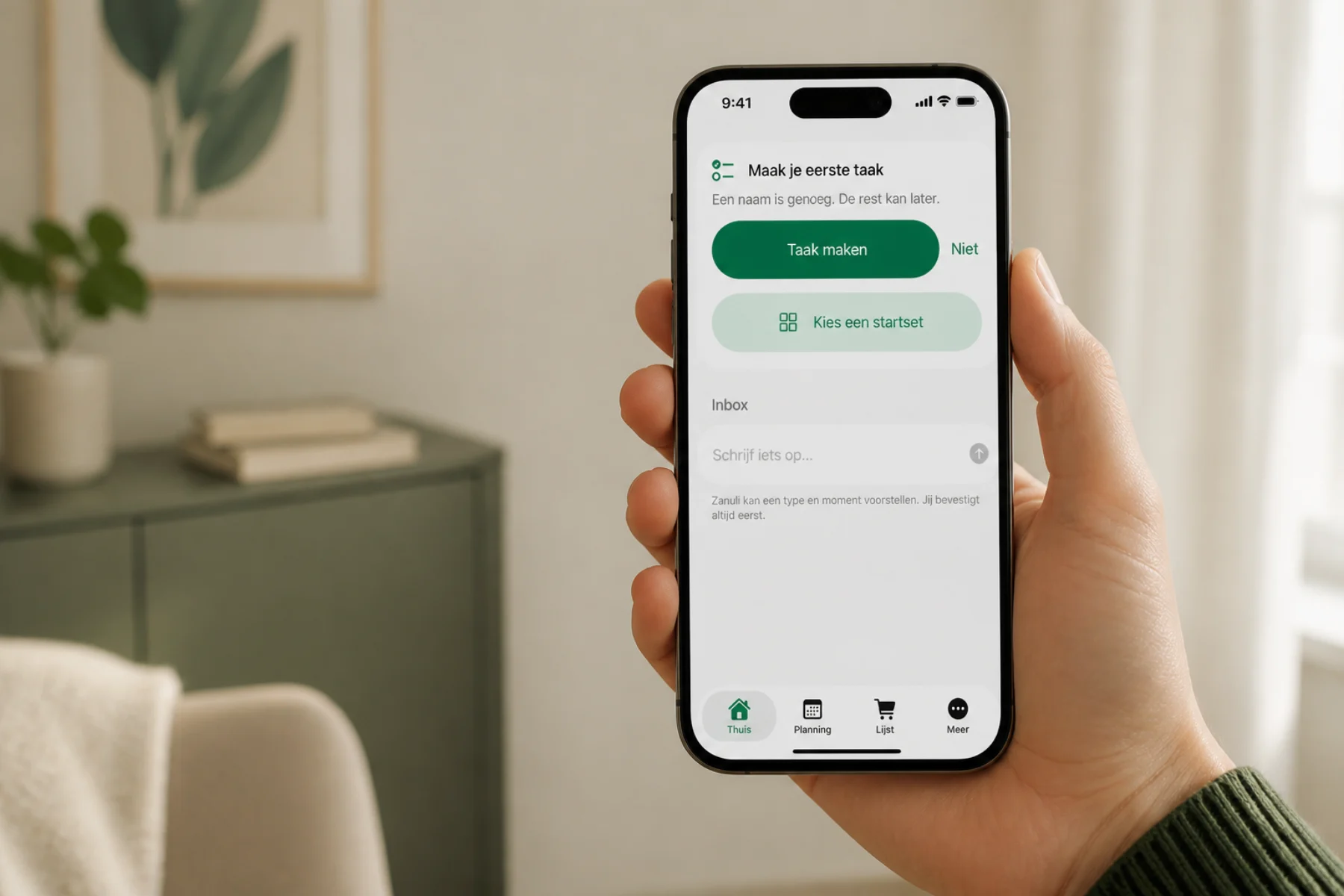
Create a cleaning schedule for vacuuming or the bathroom. Plan a task once, weekly, monthly or again after completion. Share chores with family, your partner or roommates and see who takes them on.
Keep one grocery list for your household. Add milk, bread or other items with a quantity and note. Everyone can see what is needed, who is shopping and what has already been bought.
Plan household tasks for today, tomorrow or later. From Zanuli 1.3.6 you can view planned tasks and appointments together by week.
Put a task on hold and add an optional time to check back. Connect a simple next step without building a workflow.
Capture a thought in one line and organise it later. Start with editable suggestions for home, plants, pets or bins if useful.
Look back at when something last happened and which shared actions were actually recorded in Zanuli.
Everyone sees the same state
When someone completes, takes or changes something, the rest of the group sees it quickly. Everyone stays on the same current page, even after a brief connection problem.
Even when you are out of range
You can still add or complete something without a connection. Zanuli keeps it on your device and updates the group when you are online again.
The iPhone widget shows a relevant task from one chosen group. Tick it off directly; if you are offline, Zanuli remembers until your connection returns.
For the people you organise life with
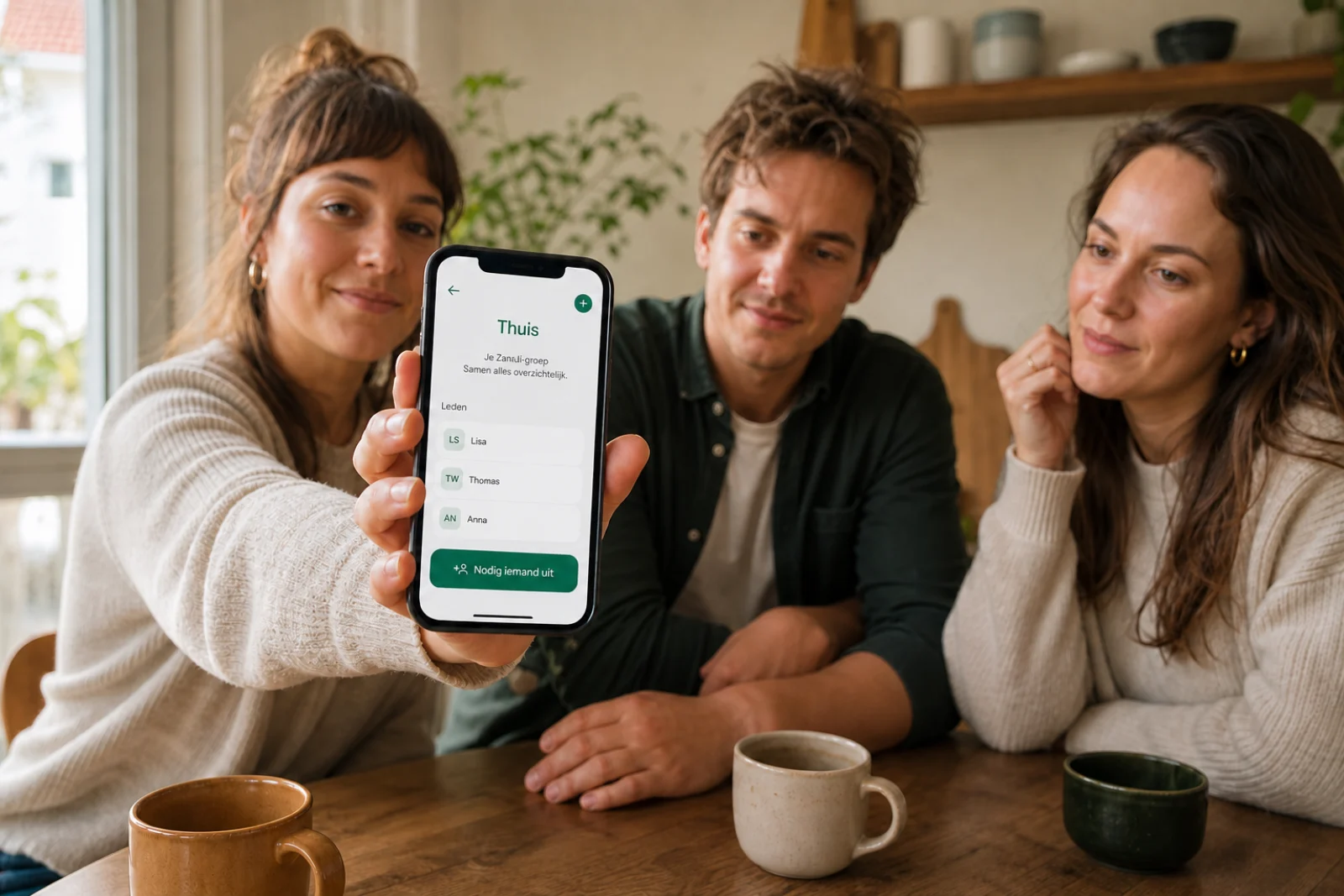
Use Zanuli at home, with housemates, family, friends or a small association. Share a single-use invitation as a QR code or an invite code. New members choose the name others see.
Privacy and trust
Only active members can see what is in their group. Zanuli uses as little data as possible and never turns your tasks, shopping and routines into an advertising profile.
Export the data visible to you. Delete your account through a separate confirmed flow.
Zanuli never attributes an action to someone without a real user action.
What you capture together stays safe. Backups and recovery are checked regularly.
Frequently asked questions
Zanuli is available for iPhone and iPad. Kitchen Display uses a linked iPad in a permanent place at home.
Households and small groups that want to remember recurring tasks, shopping and agreements together without using business project-management software.
Yes. You can add or complete something without internet. Zanuli keeps it on your device and updates the group when the connection returns.
Yes. One account can belong to multiple groups and switch between them. Each group keeps its own members, tasks and shopping.
Zanuli helps you share tasks, routines and groceries. From Zanuli 1.3.6 you can also use a weekly planner and Google and iCloud calendar connections. Provider limitations are explained in the manual. There is no built-in chat.
The interface is available in Dutch, English, German, French and Spanish. Group names, tasks and shopping items you enter stay exactly as you write them.
“I always do the most.” Make the conversation concrete with a shared task list and a view of the same period. Families, couples and housemates can discuss the work that has actually been recorded.
See how it worksAdd a child to your group as a person without a login. They can be assigned tasks without having their own account. A shared kitchen display lets the family see what is ready for everyone.
See how it worksRunning low on milk? Or a chore you do not want to forget? Tap the microphone in the app or on the kitchen display and dictate it. Check the recognised text and add your task or shopping item.
Start dictation yourself with the microphone button. Allow microphone access and speech recognition when first asked.
Open the guideA tablet in the kitchen or living room gives your family one place for daily chore planning. See who walks the dog, who unloads the dishwasher and what is still on the grocery list. Everyone can check the plan without reaching for their own phone.
Zanuli is an app for a compatible iPad; we do not sell separate display hardware. The kitchen display is part of Premium Group. From Zanuli 1.3.6 it can also show a weekly planner with tasks and shared appointments.
Connect smart appliances to your household plan. Home Connect and Shelly turn a completed appliance cycle into a practical follow-up task, visible to your household on phones and the kitchen display.
Integrations and smart appliancesAvailable from Zanuli 1.3.6
See the week in the app or on the kitchen display, browse ahead and add tasks or appointments. Connect an existing Google calendar or create a separate family calendar. The iCloud connection is still being tested with a real account.
Available from Zanuli 1.3.6 in the App Store. Google has approved the requested calendar access. The real iCloud account test is still pending. Outlook is not available yet.
Beta · Zanuli 1.3.8. Not yet generally available in the App Store.
Home is your daily overview. Planning shows tasks and events together immediately. The four main tabs remain.
Plan one meal per day for the selected group. Add ingredients with quantities and choose what goes on the shopping list.
Your day, tasks and routines → · Plan meals and select groceries →
Start with Zanuli
Bring tasks, shopping and routines together, share the current state and keep more headspace for what really matters.