
Shelly
Give an ordinary appliance a smart connection
Supported: Shelly Plug PM Gen3. Zanuli uses measured power consumption to recognise a completed cycle and prepare a task. Zanuli does not switch the plug on or off.
Integrations
Connect Shelly or Home Connect to your household. An appliance reading or event becomes a practical task everyone can see in Zanuli.
Both connections require Premium. The group owner sets up the connection with their own provider account and an internet connection.
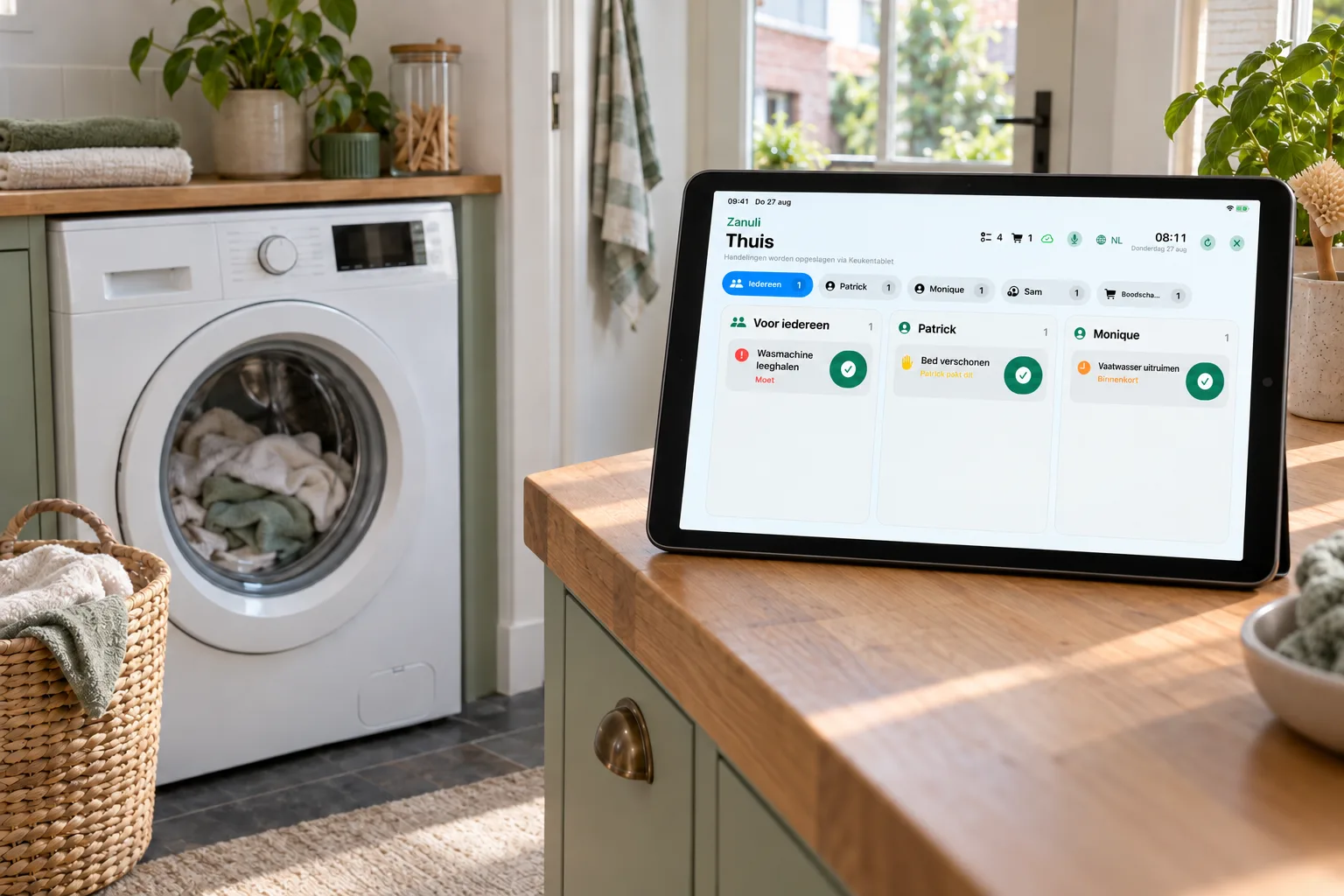
No need to keep checking whether the laundry is done. Zanuli brings the next step to your shared task list and Kitchen Display.
Shelly
Supported: Shelly Plug PM Gen3. Zanuli uses measured power consumption to recognise a completed cycle and prepare a task. Zanuli does not switch the plug on or off.
Home Connect
Home Connect links compatible household appliances to Zanuli. A programme-finished event can create “Unload the dishwasher”. Home Connect supports several appliance types, including dishwashers, washing machines and dryers. Events usable in Zanuli depend on the appliance and supported connection.
Zanuli automatically sets up maintenance automations, including for your existing dishwasher. You can view, edit or disable them. A task appears only when your appliance sends the matching alert.
A finished wash becomes “Empty the washing machine”. Someone can then hang the laundry.
A finished drying programme becomes “Empty the dryer”. Clean laundry need not be forgotten.
A programme-finished event becomes “Unload the dishwasher”. Whoever has time can take the task.
Open Integrations in Zanuli and connect Shelly or Home Connect.
Select an available appliance and check which signals the connection supports.
Choose what should happen after the event. The task appears in your shared overview.
Both connections require Premium. The group owner sets up the connection with their own provider account and an internet connection.
Home Connect supports several appliance types, including dishwashers, washing machines and dryers. Events usable in Zanuli depend on the appliance and supported connection.
Tell us which app or appliance you want to connect and why. Use “Request integration” in the app or contact Support.
Contact us